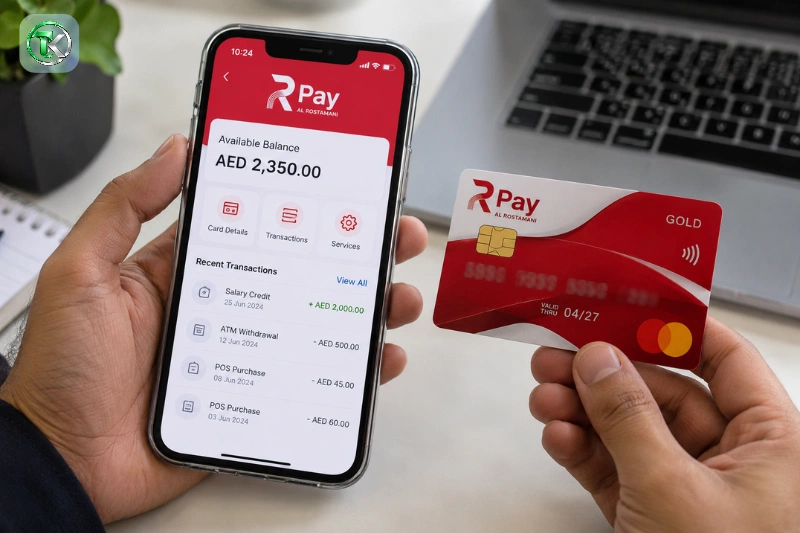
RPay balance enquiry allows employees in the UAE to check the available money on their salary card issued through Al Rostamani International Exchange (ARIE). The card is used for salary payments through the UAE’s Wage Protection System (WPS), allowing eligible employees to access their wages without relying on a traditional bank account.
The most common methods of checking an RPay balance are through the official ARIE mobile application and a suitable ATM. Available balance is the amount of money you have available on your card, whereas the payroll record of your employer displays the amount processed. This difference can be helpful in spotting missing salary credits, unexpected deductions, and difficulties with accessing the card.
RPay Balance Enquiry Methods
If RPay cardholders have access to the app, they should opt for a balance checking method that uses the application; otherwise, they should use the physical card along with its PIN. ATM balance enquiry and the ARIE mobile application are listed by the official card terms as methods of getting balance information.
Mobile application
The registered cardholders choose the digital option, which is called the ARIE mobile application. It can be used when an ATM isn’t available, and you need to check your balance. The steps you need to take to register and verify your card vary based on the services offered on your card.
Once you log in, check the relevant card or the balance checking page. If your application doesn’t recognize your RPay card, don’t repeat your information when registering, but use the application’s own registration process.
ATM balance enquiry
Another option to check your money is a compatible ATM. Access to the balance enquiry option is usually required with the physical card and the proper PIN.
The displayed balance assists you to ensure that you have the right amount of money available before you withdraw cash. If you use your ATM service frequently, however, you should pay attention to the latest fee schedule as some ATM enquiries may incur charges.
RPay Balance Check Through the Mobile App
The mobile app is a practical option for employees who wish to know their salary card balance online. Please use the official Al Rostamani International Exchange application and follow the options that are given on your existing version.
- Open the official application. Install it from your phone’s recognised app store if you have not already done so.
- Register or sign in. Existing users should use their registered login details. New users should complete the registration process provided by the application.
- Verify your identity. Enter the requested information and complete any verification steps required for your account.
- Select the card service. Look for RPay, payroll card, or the relevant card-management section.
- Open the balance section. Select the available balance enquiry option and provide any additional information requested by the official application.
- Review the result. Check the displayed amount and, where available, recent transactions to understand your current funds.
Menu labeling may vary depending on the application. If it doesn’t offer a balance enquiry, see what its card services are, or get in touch with the provider instead of following instructions for an older version of the app.
Registration problems
A registration issue does not necessarily mean that your salary card has been blocked. Additional verification or information may be required in the application that is associated with the card.
Ensure that you are applying the correct app and have an active registered mobile number. If the application still refuses your data, please request confirmation from ARIE about the registration requirements of your specific RPay card.
RPay Balance Enquiry at an ATM
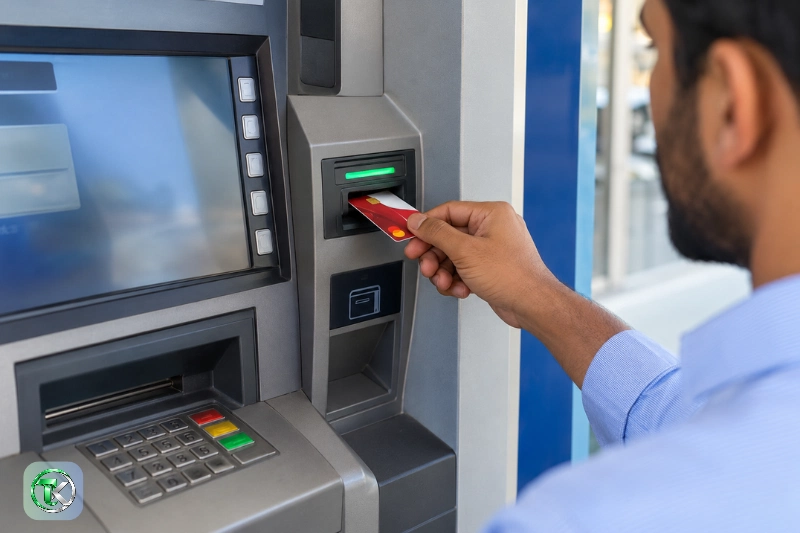
For those who don’t have the mobile app or want to check their balance via their card, there’s an alternative with an ATM. The machine is required to accept your card, and you need to have the right PIN.
ATM checking process
- Insert your RPay card into a compatible ATM.
- Select the language displayed on the screen.
- Enter your PIN carefully.
- Select Balance Enquiry or Balance Inquiry.
- Follow the instructions and review the displayed amount.
- Collect your card and any receipt before leaving.
The options vary with the ATM and the services offered on the card. If the machine refuses to accept the card or doesn’t provide a balance enquiry, abort the transaction and call the card provider to check which ATM functions are available.
ATM balance enquiry fees
The following balance enquiry charges are available in Al Rostamani’s published RPay card terms of service dated 1st November 2019:
| ATM enquiry type | Published fee |
| Bank ATM | AED 2.10 per enquiry |
| International ATM | AED 5.00 per enquiry |
These are published figures and not an accurate representation of the current charges. Card usage charges may vary, the provider says, so check with the provider before using an ATM. Barred away from assuming the withdrawal fee equals the balance enquiry fee.
Understanding Your Available RPay Balance
The amount of money you have available to you with the card is called RPay balance. It may not be the same as what you are expecting, as it can be affected by any amount that has been spent, withdrawn as cash, and also any fees or any salary that has not been credited.
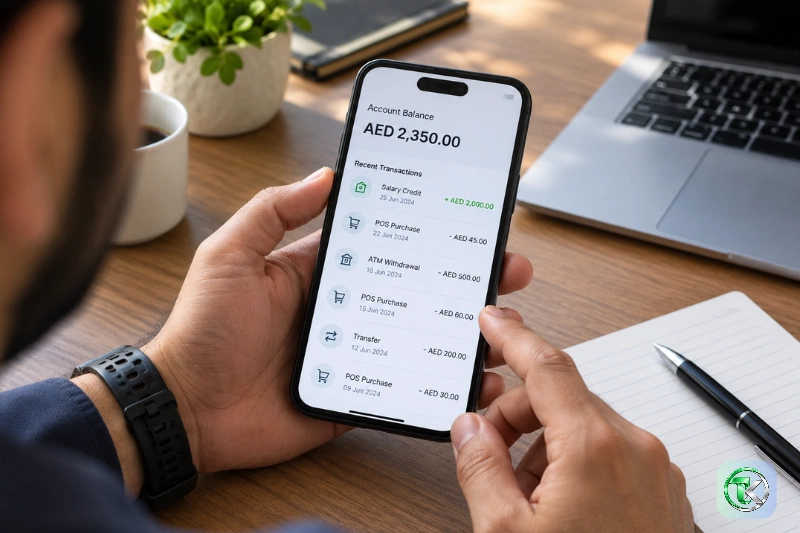
For instance, if your card has an AED 300 balance, and you make a withdrawal of AED 100, keeping the remaining amount of AED 200 in your card, provided that there is no extra charge or transaction. If your employer then credits AED 2,000, your balance should be AED 2,200 – unless you do any more transactions.
When viewing your balance, you should think of three different figures:
- Available balance: Money currently accessible on your card.
- Expected salary: The amount you expect your employer to pay.
- Credited salary: The amount actually recorded as received through payroll.
These numbers give you clues if it’s a difference that’s due to spending or because of card charges or payroll processing. If the change in transactions is still not clear, have the provider delve into the card activity.
RPay Salary Credit and WPS
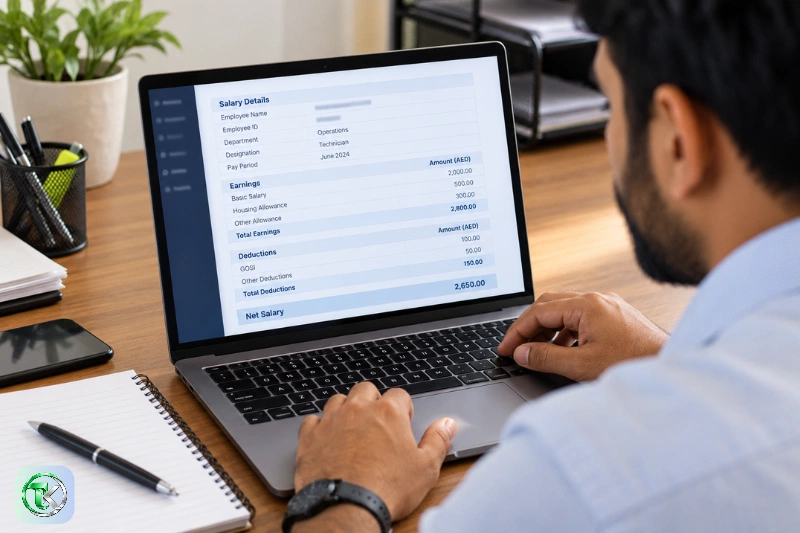
RPay is connected to the payroll service of Al Rostamani International Exchange. The provider provides WPS solutions to employers and access to salary through its payroll card arrangements to employees.
This is a balance enquiry that checks the amount of money you have available on the card, but cannot determine if your employer has paid or paid out a salary. Employers might have to provide payroll records prior to the expected payment.
If your salary is not there, check your last credit and compare it with your expected payday. Check with your payroll department at your place of work to determine if the salary file has been run and if payment was made.
If your employer verifies that the salary has been applied, but the card balance hasn’t, please call ARIE with the correct transaction information. This allows the employer side issue to be differentiated from the card side issue.
RPay Balance Enquiry Fees and Card Charges
A balance enquiry is not a cash withdrawal, card replacement or PIN regeneration. The charge may differ for each service and will be based on the current conditions of your card.
Charges for some other services, such as card replacement, PIN regeneration, statements and monthly service fees were also included in the November 2019 rate. These historical prices should not be taken as current prices without confirmation from the provider.
If you are using a paid service, please consult the latest fee schedule of your card. If you notice a deduction that you are not familiar with, check your transactions and request further information about the charge from the provider – this is not a balance enquiry fee.
Balance enquiry versus cash withdrawal
A balance enquiry will show you the funds available; a cash withdrawal will deduct the money from your balance. The applicable card terms may allow an ATM to charge for either service.
You don’t need to withdraw just to check your balance; select the balance enquiry option instead. This will prevent unnecessary transactions and will help you to know the fee that corresponds to the service you are using.
Common RPay Balance Problems
Issues that may arise with balance enquiries are due to incorrect credentials, ATM compatibility, registration issues, or differences in the expected and recorded salary payments. Come up with a specific problem first and then consider another option.
The application does not show your balance
Ensure you are authenticated to the right account and have chosen the appropriate card service. If the balance section does not exist, or the card is not recognized, follow the instructions given in the official app or request ARIE to confirm the card registration.
The ATM rejects your card
Your card may not be available at the ATM, or there may be a problem with your card or PIN. Try not to enter different PINs to get access repeatedly. If the problem persists, contact the provider, especially if the card was operational before.
The balance is lower than expected
Check recent withdrawals, purchases, and charges made to/from cards. Check the activity in the transaction history to confirm the balance that you are expecting after the receipt of your new salary.
If the recorded transactions do not account for the difference, report it to the provider. If the amount of the salary is less than the going rate, ask for a salary breakdown from your employer.
The balance has not changed after payday
A payday is not a guarantee that the money will be credited. Review the recent transactions on your card and inquire with your employer if the paycheck was made.
If the employer has stated a successful payment, but the credit is not seen, call the card provider with the date and amount of the payment. Don’t provide your PIN or OTP when reporting the matter.
RPay Customer Support
Al Rostamani International Exchange offers customer support for its exchange and payroll service. The general contact information for it is available on its current website.
| Contact method | Details |
| Toll-free telephone | 600 540 004 |
| ariecrd@alrostamanigroup.ae | |
| Main office | Al Rostamani Building, Mezzanine Floor, Khalid Bin Al Waleed Street, Bur Dubai, Dubai, UAE |
If you are not able to register, can not find the balance section, get an ATM error, or think you might have an uncaptured salary credit, state the balance enquiry problem. If asked, provide the date and the amount of the transaction as needed via a verified support channel.
Never include your PIN, password or OTP in an email. Notify the provider’s certified support if you have any doubt of an unauthorised transaction or if your card has been lost or stolen.
Protecting Your RPay Salary Card
Your wages are available on your RPay card, and it is crucial that you secure the information. The rule of the card terms state that the cardholder is responsible for the confidentiality of the card data, excluding passwords.
When checking the balance, use these precautions:
- Keep your PIN and app password private.
- Never disclose an OTP to someone claiming to check your balance.
- Use the official application rather than an unknown balance-checking website.
- Cover the ATM keypad when entering your PIN.
- Review transactions after salary credits and cash withdrawals.
- Report a lost card or suspicious transaction immediately.
You should not rely on a third-party website to confirm your private card balance without providing them with your card number. Only use authorised services – give sensitive details only via the provider’s recognised process.
Conclusion
RPay balance enquiry enables Al Rostamani International Exchange payroll cardholders to see the amount that is available on their payroll cards. The official mobile application is a digital alternative, and users of the ATM will also have an option if they have their card and PIN.
To get a true balance, be sure to separate your available balance from your expected salary, and review recent purchases if the balance doesn’t seem right. Always verify the current charges for an ATM before asking any questions, and contact the provider if a card is not recognised and/or a credited salary is missing.
Must Read: NOL Card Balance Check: How to Check Balance Online, Top Up & More
Frequently Asked Questions
How can I check my RPay balance?
Use the official ARIE mobile application or an appropriate ATM. Complete the necessary registration/pin process to check your available balance.
Can I check my RPay balance online?
Yes. For eligible cardholders, there’s a mobile app that allows users to check their balance digitally.
Is RPay balance enquiry free?
Not necessarily. ATM enquiry charges are included in the published RPay terms, and actual enquiry charges should be checked with the provider.
Can I check my RPay balance without a PIN?
Your card PIN number is needed for ATM enquiries. The mobile application’s requirements depend on your registration and verification status.
Why is my RPay balance incorrect?
It may be due to a recent withdrawal, applicable fees, or a missing salary credit. Look at the transactions and,d if needed, contact the provider.
What should I do if my RPay salary is missing?
Review your card activity and enquire with your employer about the status of salary being processed. If the employer has confirmed payment, but there is no money visible, contact ARIE.
Can I check my RPay balance through SMS?
No confirmation of a current SMS command to ask for balance is shown here. Use the official application or an acceptable ATM (ask the provider if another method is acceptable).
What is the RPay customer service number?
The toll-free contact number of Al Rostamani International Exchange is 600 540 004. Ensure that the service can help with your particular enquiry about the RPay card.